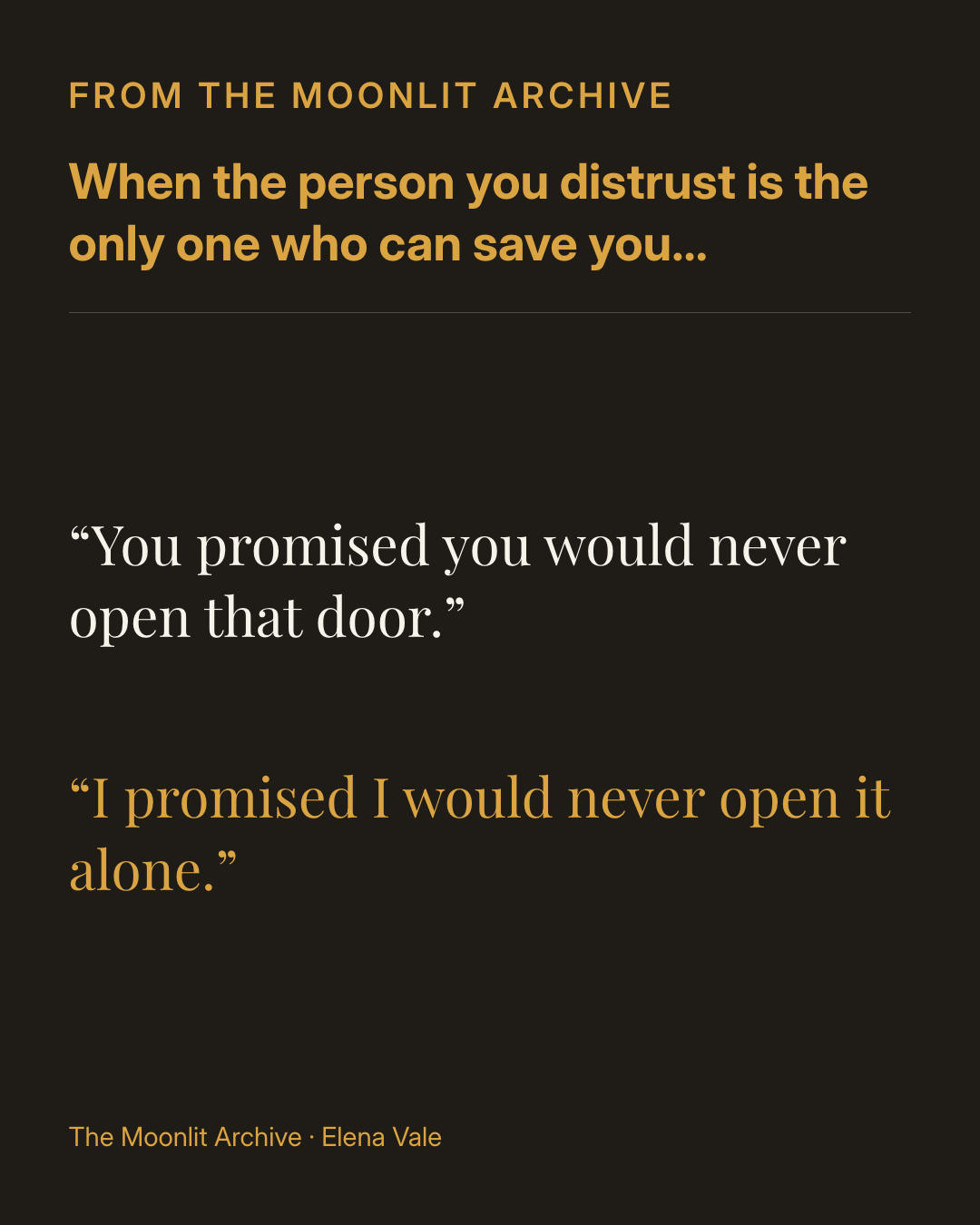
For fiction authors
Turn a favorite line into an excerpt card, list the tropes readers love, or show the series in reading order.
Start from a book you’ve added and a template made for book promotion.
Graphics Studio fills in your cover, title, and author name, then applies your brand colors and fonts. Create a single image or a carousel, size it for where you post, and download it ready to share.
Example announcement graphic created in BookArc for a fictional book.
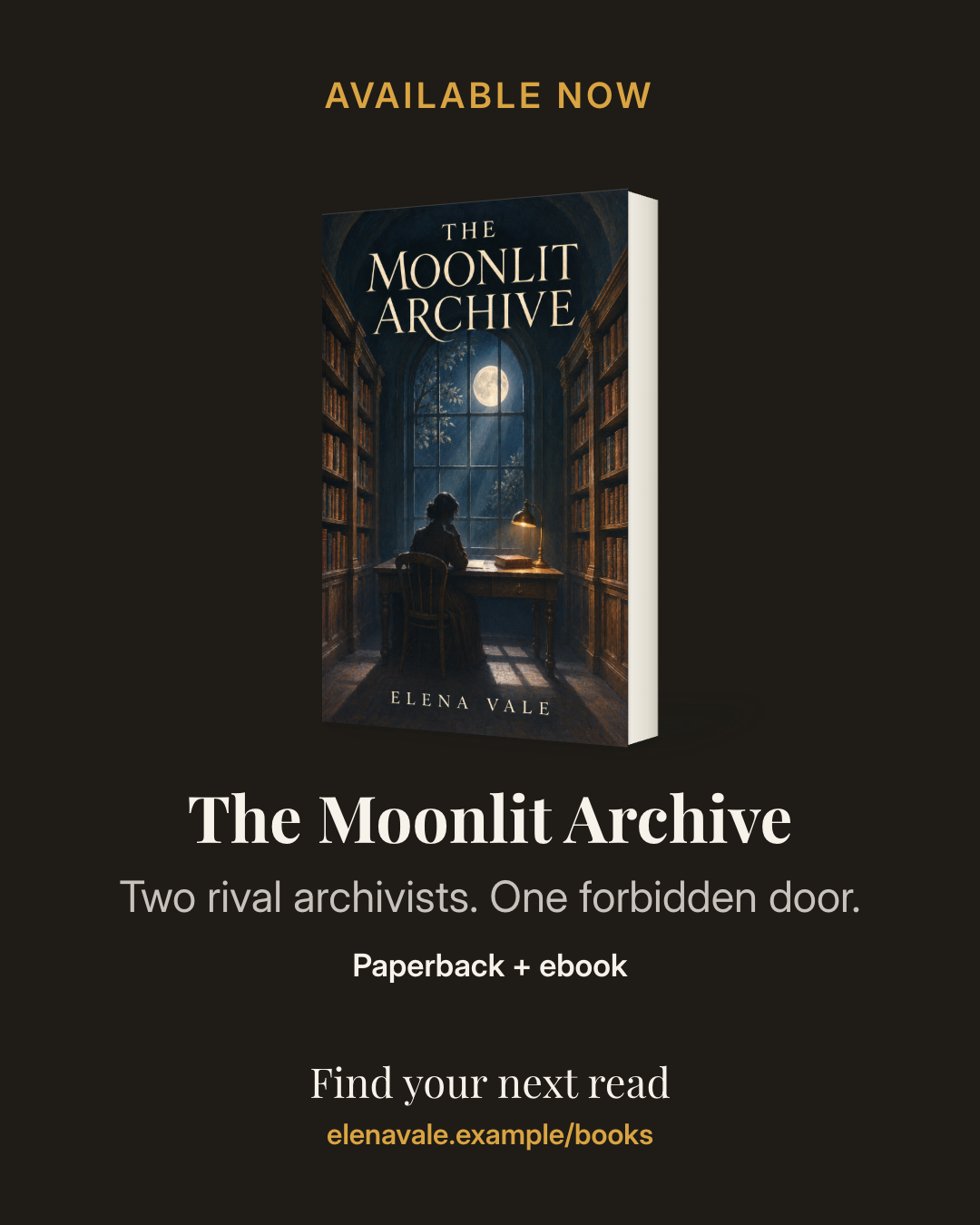
Templates built for books. Choose from 18 templates, including cover reveals, preorder bonuses, excerpts, reviews, sales, events, series reading order, tropes, and nonfiction takeaways.
Carousels with a story. Start from one of 13 carousel outlines and walk readers from a hook to the book in a few slides.
The right size for each place you post. Square, portrait, story, landscape, Pinterest, link preview, and newsletter header sizes are ready to choose.
Your cover, presented well. Show the cover on its own, beside your headline, as a paperback, or on a reading device. Download a PNG, a ZIP of slides, or a PDF for a LinkedIn carousel.
Use what’s inside the book to make something your readers want to share.
Turn a favorite line into an excerpt card, list the tropes readers love, or show the series in reading order.
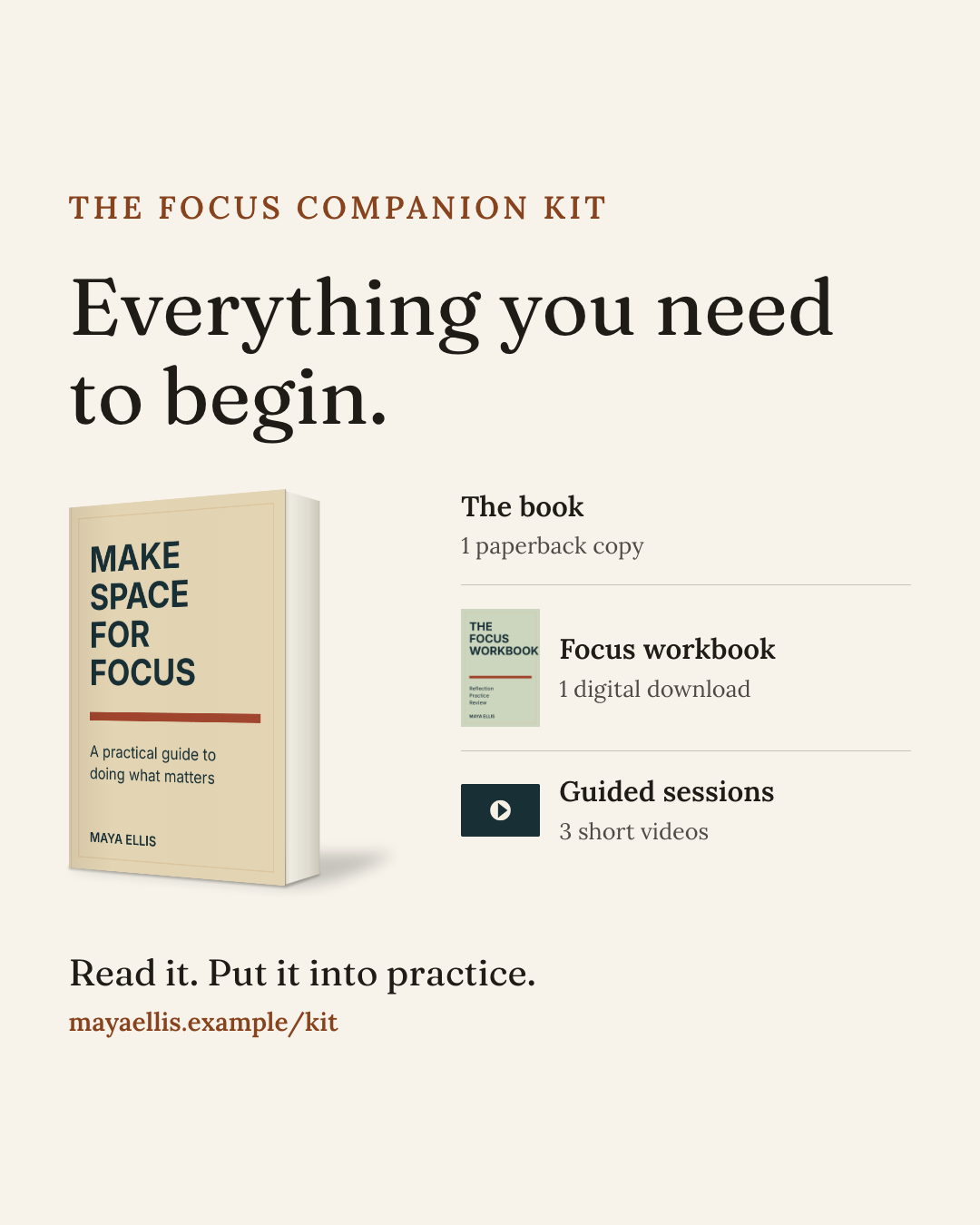
Share three takeaways as a carousel, quote an endorsement, or announce a bonus resource that comes with the book.
Choose the book and the message. Graphics Studio handles the layout.
Pick a title from your library and the kind of post you want to make, from a cover reveal to a reader-share card.
Edit the headline and details, choose a cover presentation, and add your own images. Your brand colors and fonts come with you.
Choose the format for where you’re posting, then download a PNG, a ZIP of carousel slides, or a LinkedIn PDF.
Start from the books you’ve added and make something worth sharing.